A home base between adventures
Give recurring locations a place on the map: the inn, the smith, the mill and the bridge where everyone meets.
Use the fantasy town map generator to plan a village, market town or frontier settlement for your D&D game. Add local names and export your map.
For game masters,
worldbuilders
& wandering minds.
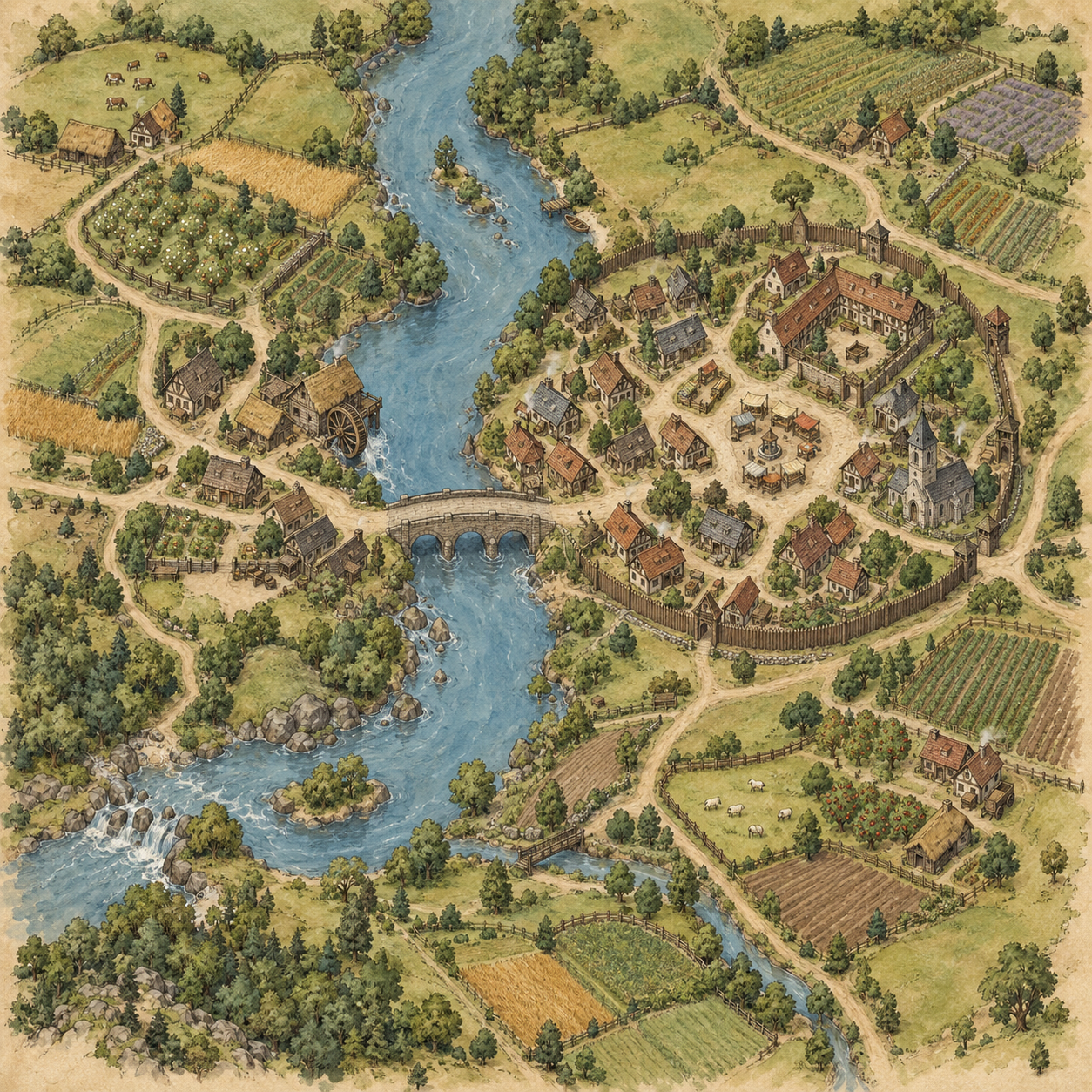 TOWN · SAMPLE MAP
Build the wider setting or zoom in on the next location.
THE IMAGE IS JUST THE START
Let AI illustrate the setting. Keep the names, grid and finishing touches in your hands.
The image shown is a prepared ChatGPT sample, not a live generation.
Starts with the unlabeled original. Editing is free; no sign-in needed.
Prepared ChatGPT illustrations, not live API results or measured plans. Try either in the free editor.
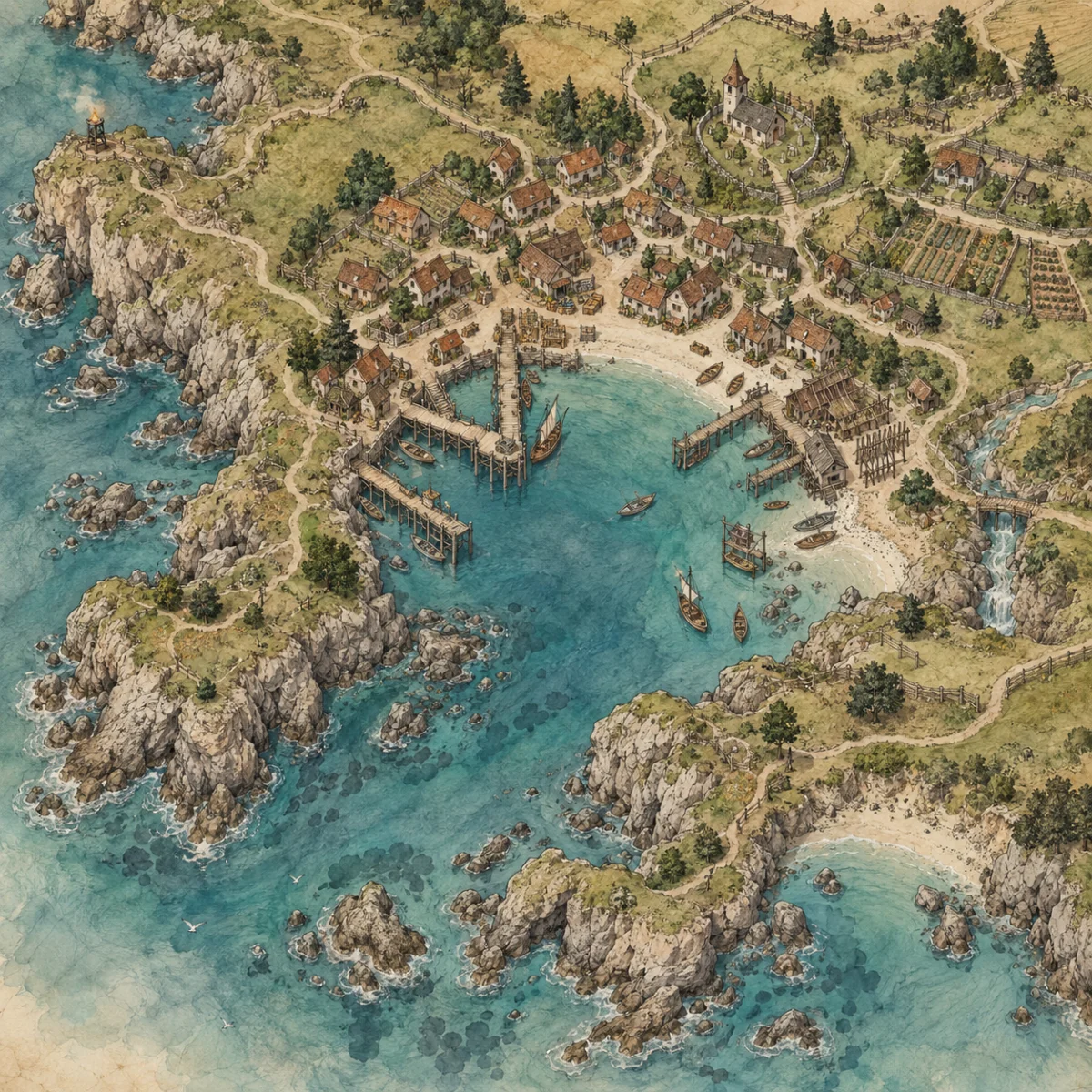
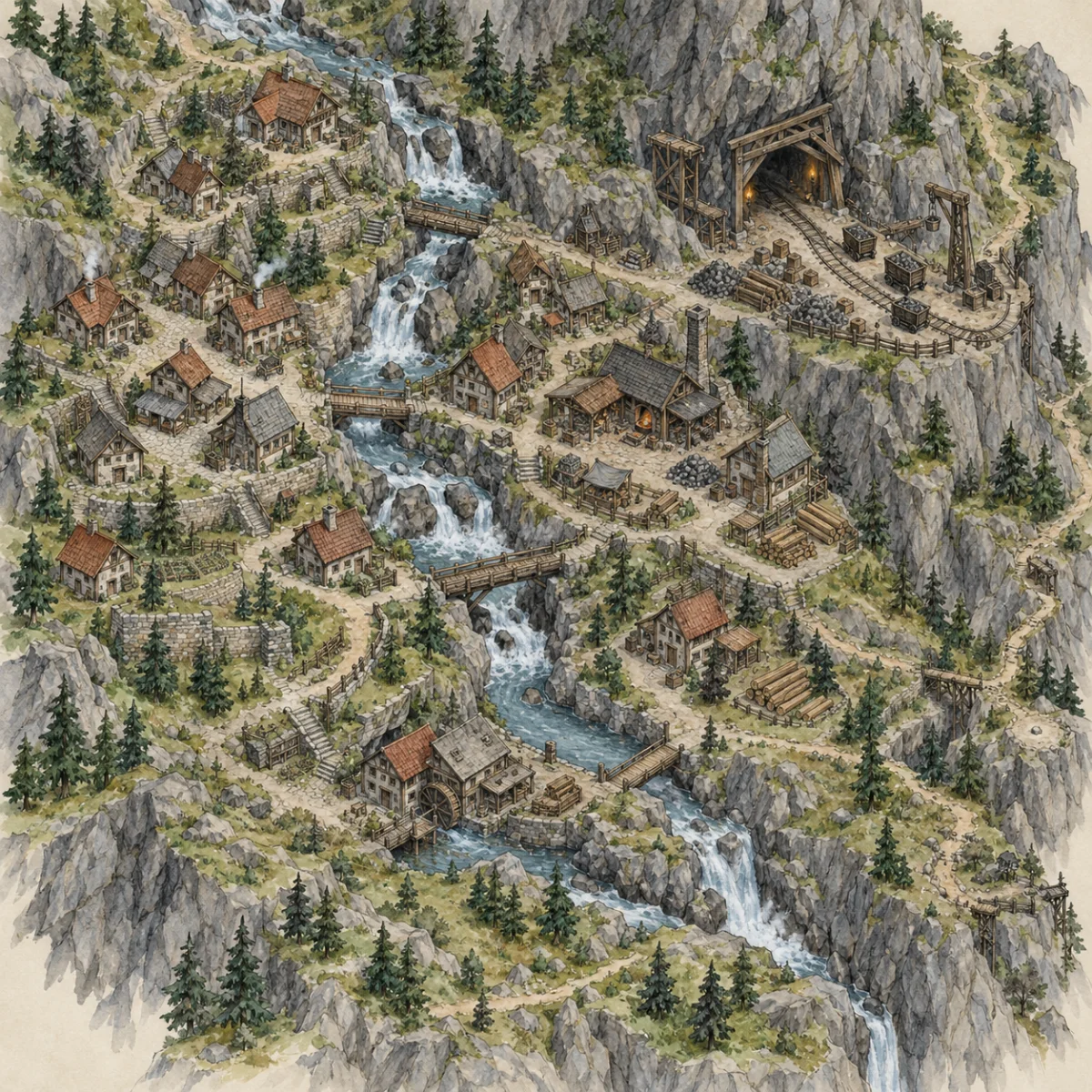
A town works best with one clear reason to exist: a mine, a bridge, a crossroads or a sheltered harbor. Keep your first prompt focused and label the inn, market and meeting places afterward.
Try this prompt: A quiet market town around an old stone bridge, with an inn, a mill and fields outside a low wall. No text or labels.
Back to the fantasy map generator →Choose the view that helps you plan, write or play.
Give recurring locations a place on the map: the inn, the smith, the mill and the bridge where everyone meets.
Create a small frontier or market settlement without the complexity of city districts. Surround it with farms, a mine or a harbor to explain why it exists.
A downloadable image, not a locked-in project format.
Download the clean image before adding annotations. Export a separate PNG from the editor for each version you want to share.
Import a PNG as an image in Roll20 or Foundry. Choose grid dimensions and pixels per cell in the editor, or export without a grid.
No scene files, walls, lighting or automatic grid alignment.
Set your output dimensions, then place the PNG in your layout or print workflow. Check the result at its intended size before printing.
Larger canvas dimensions do not add detail to the source image.
Upload a map or use a sample above. Editing stays in your browser and needs no account.
Images keep their aspect ratio. Any unused canvas area is padded with parchment; the preview and PNG use the same renderer.
Browser editing stays free. AI generation has a fixed credit allowance.
Try it with no sign-up.
For storytellers building a living world.
No subscription. Top up when you need it.
Draft launch pricing. Payments have been tested in sandbox mode; live billing and commercial licensing are not yet available.
You can suggest a small building count, but image generation does not guarantee exact counts. Check the result and choose a simpler prompt if the settlement is too dense.
Yes: describe an open village, scattered cottages, farm lanes and no perimeter wall. The sample is only one possible town layout, not a required template.
Grid overlays, labels, compass marks and PNG export are free and run in your browser. AI generation uses credits; monthly plans have a fixed allowance, not unlimited generation.
AI lettering can be unreliable. Prompts explicitly request no text. Add your own readable names in the free browser editor instead.
Start with a description, or bring a map you already have. The browser editor is free either way.